Free AI tools · For adults 18+

Free AI Face & Photo Analysis Tools

Three free, private tools that read one photo and give practical presentation advice. Each runs on your photo only, with no account and no public rating.

No account No public rating Original photo deleted after processing

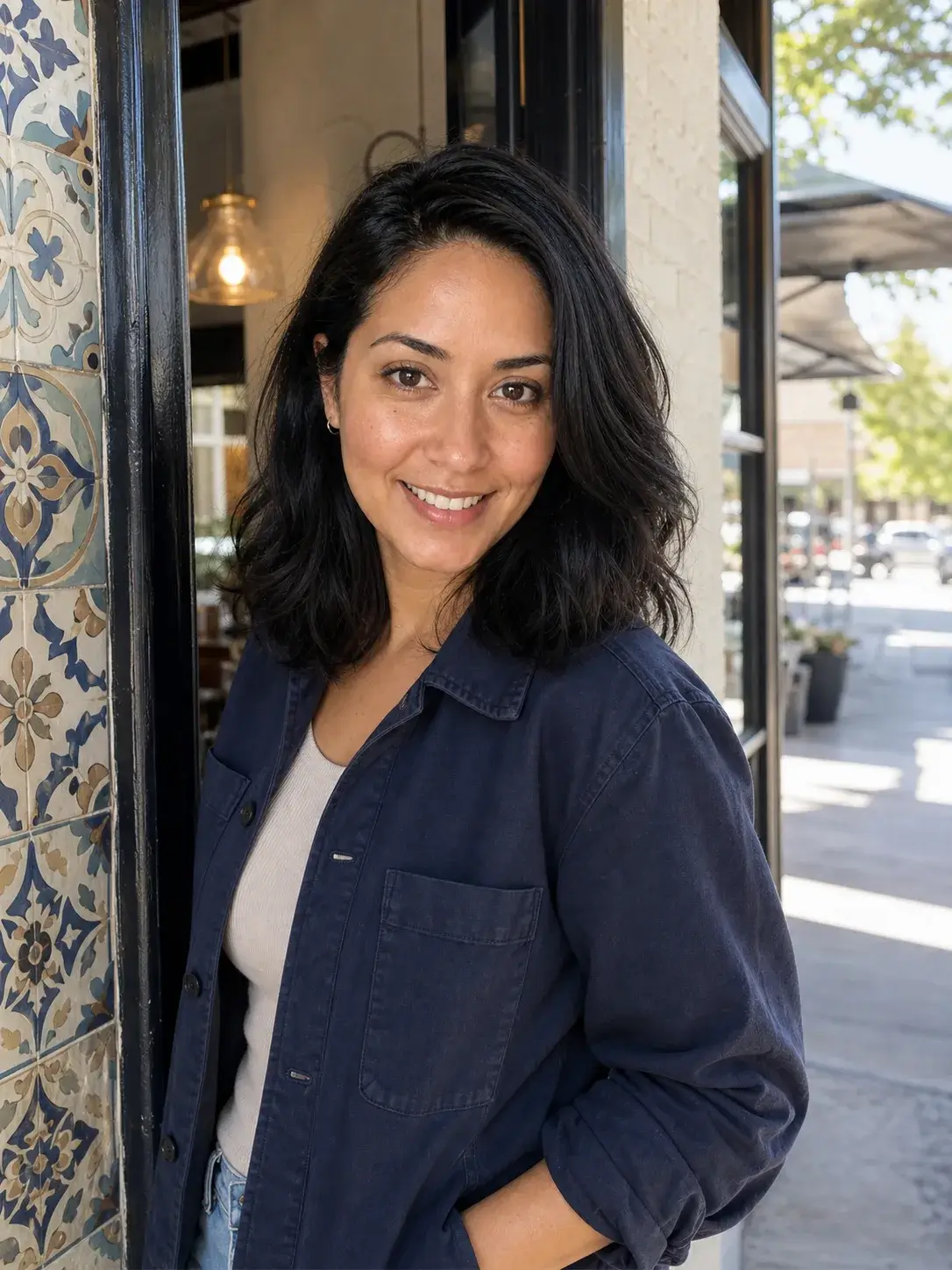
Three diverse synthetic adult portraits in soft natural light
Home/Free tools

↑ Try it right here

Start With a Free Face Shape Test

Upload one photo and run the face shape test directly on this page — no sign-up, no redirect. Open the other tools below for symmetry and the attractiveness score.

amipretty.org — Face Shape TestPrivate · 18+

Your face shape is a styling starting point, not a verdict. Knowing it helps you pick flattering angles, crops, and framing for photos.

Choose a Photo

  • Use a photo with one clearly visible adult face.
  • Skip group shots, heavy filters, and obstructed faces.
  • Your processed photo is analyzed privately, then deleted.

↑ The tools

Three Free Face Analysis Tools

Each tool reads one photo and returns a complete free result — no account, no email, no blurred content. Results describe the photo, not the person.

↑ How the tools work

How These Face Analysis Tools Read Your Photo

All three tools share one upload flow: drop a photo, confirm it is an adult portrait you are allowed to use, and get a complete free result in seconds. The photo is processed privately and deleted afterwards.

What these tools have in common

Every tool here follows the same rule: it describes the photo, not the person. Research on face perception shows the same person photographs differently across everyday situations, so each result stays inside the frame — expression, light, angle, crop, and styling — and never ranks personal worth.


How the face analysis tools work together

Start with the Face Shape Test to learn which angles and crops flatter your face most. Then run the Face Symmetry Test to check head level and even light in the same photo. Finish with Am I Attractive? for an overall read on how the photo presents you. Each tool scores a different signal, and together they cover the presentation choices you can actually change.

Who these photo tools are for

Anyone who wants better photos of themselves for a dating profile, a social feed, a professional page, or just for fun. No account is needed, no email is collected, and every processed photo is stored privately only while processing, then deleted.

What happens to your photos

Uploaded photos are kept privately while processing, then deleted, and are never used to train AI models. Free results are never published and never get a public result URL. Paid reports stay behind a private link for 30 days.

How each score is calculated

Each tool sends one photo through the same privacy pipeline and scores a different presentation signal. The face shape test reads the outline and width ratios of forehead, cheekbones, and jaw. The symmetry test reads head level, side-to-side light, and centering. The attractiveness score reads expression, light, angle, framing, and overall presentation. Every result is a 0–100 interpretation of that one photo.

What these tools do not measure

None of the three tools measure personal worth, identity traits, or a scientific beauty standard. They never infer ethnicity, age, health, or protected characteristics, and they never publish rankings. If a score ever feels off, the fix is the same as always: change the presentation, not the person.

↑ Photo tips

Practical Photo Tips That Work With These Tools

Run any tool, then apply the matching tip. Each suggestion here is reversible, free, and something you can change in your next photo.

Light first

Soft, even light from a window beats most other fixes. Face a window and turn slightly so light falls across both sides of the face. Avoid direct overhead light, which casts shadows under the eyes, and avoid a single strong side light, which makes the face read unbalanced.

Angle near eye level

Hold the camera at or slightly above eye level. Shooting from below adds weight to the jaw; shooting from far above shrinks the head. A small head tilt toward the light usually reads better than a stiff straight-on stare.

Frame with room

Leave space above the head and keep the crop from mid-forehead to chin. A tight crop crops your strongest features; an overly wide crop loses the face in the scene. Centering the head in the frame reads most balanced.

Expression and ease

A relaxed, genuine expression photographs better than a forced smile. Take a breath, soften the jaw, and think of something funny before the shutter. Expression is the single fastest thing you can change between shots.

Reversible styling

The tools only ever suggest reversible changes: light, angle, crop, expression, clothing, and background. Nothing here recommends procedures, weight loss, or changing identity traits — and no tool claims a scientific beauty ranking.

Background and setting

A clean, simple background keeps attention on the face. Doorframes, plants, and plain walls work well; cluttered shelves and bright signage fight the subject. If the setting tells a story — a café, a park, an office — make sure it supports the impression you want the photo to give.

Retake in a loop

Photography is iteration: shoot, check the score, adjust one thing, shoot again. Move the light, raise the camera, widen the crop, relax the expression — one change at a time. Watching the score respond teaches you exactly what moves your photos, and you end with a much better frame than the first take.

↑ Photo Upgrade Report

Go Deeper: Three Photo Directions on Your Own Photo

The free tools tell you what to change. The one-time Photo Upgrade Report shows three AI-generated directions — lighting, expression, framing, and styling — applied to your photo, with a private Web report, PDF, and image downloads.

  • Detailed diagnosis of your current photo
  • Three AI-generated photo directions
  • Private Web report, PDF, and image downloads
  • One image reroll included · $9.99 one time
Try the Face Shape Test Above

Photo Upgrade Report · Dating

74/100
AI-generated report direction previewAI-generated report direction previewAI-generated report direction preview
Three directions · PDF · Downloads · One reroll

↑ FAQ

Free Tools Questions, Answered Plainly

Are these tools really free?

Yes — every tool returns a complete free result with no account, no email, and no blurred content. The optional Photo Upgrade Report is the only paid product, and it is a one-time $9.99 purchase.

What happens to my photo?

The processed photo is stored privately only while processing, then deleted, and is never used to train AI models. Free results are never published or given a public result URL.

Which photo should I upload?

A clear JPG, PNG, or WebP image up to 8 MB with one adult face visible. Avoid group photos, heavy filters, and obstructed faces.

Do these tools judge how I look?

No — they score presentation in one photo: expression, light, angle, crop, and styling. No tool ranks the person, claims a scientific beauty measure, or infers sensitive traits.

Can I use more than one tool on the same photo?

Yes — the tools read different signals, so running a photo through all three gives the fullest picture. Start with face shape, then symmetry, then the attractiveness score.

Do I need to pay for anything?

No — every tool result is complete and free. The one-time $9.99 Photo Upgrade Report is optional and adds three AI-generated directions applied to your own photo.

Which tool should I start with?

Start with the Face Shape Test — it tells you which angles and crops flatter your face most. Then run the Face Symmetry Test on the same photo, and finish with Am I Attractive? for the overall read.

Can I use these tools for professional photos?

Yes. The advice applies to any photo you take: dating profiles, social feeds, professional headshots, or personal albums. The tools only suggest reversible presentation changes, so they work as a photography checklist.